Data
Load the documents, datasets, connections, and knowledge graph your agents will reason over, and scope each one to the agents allowed to see it.
The Data section is the knowledge layer for your AI agents. It has four sub-tabs, each feeding a different type of domain knowledge into your agent system.
The Outcome
The knowledge your use case depends on is loaded, ingested, and scoped to the right agents before any agent is designed to use it.
Before You Start
You reach the Data section from inside Control Hub - click Design App on a use case in the Jamming Board to get there.
You should already know which data the use case depends on. Choosing Your First Use Case treats that as a selection test: if the knowledge has to be created from scratch, this section becomes the bulk of the project rather than a setup step.
Gather the sources before you start: documents for retrieval, tabular files for exact figures, and access details for any live system you intend to connect.
Start Here
Begin with Knowledge Base. Create one collection with + New and upload the documents for the use case you selected. Retrieval is what most agents lean on first, and Graph RAG builds its graph from these same documents.
Knowledge Base
Upload source documents so your agents can retrieve and reference them during runs via RAG (Retrieval-Augmented Generation).
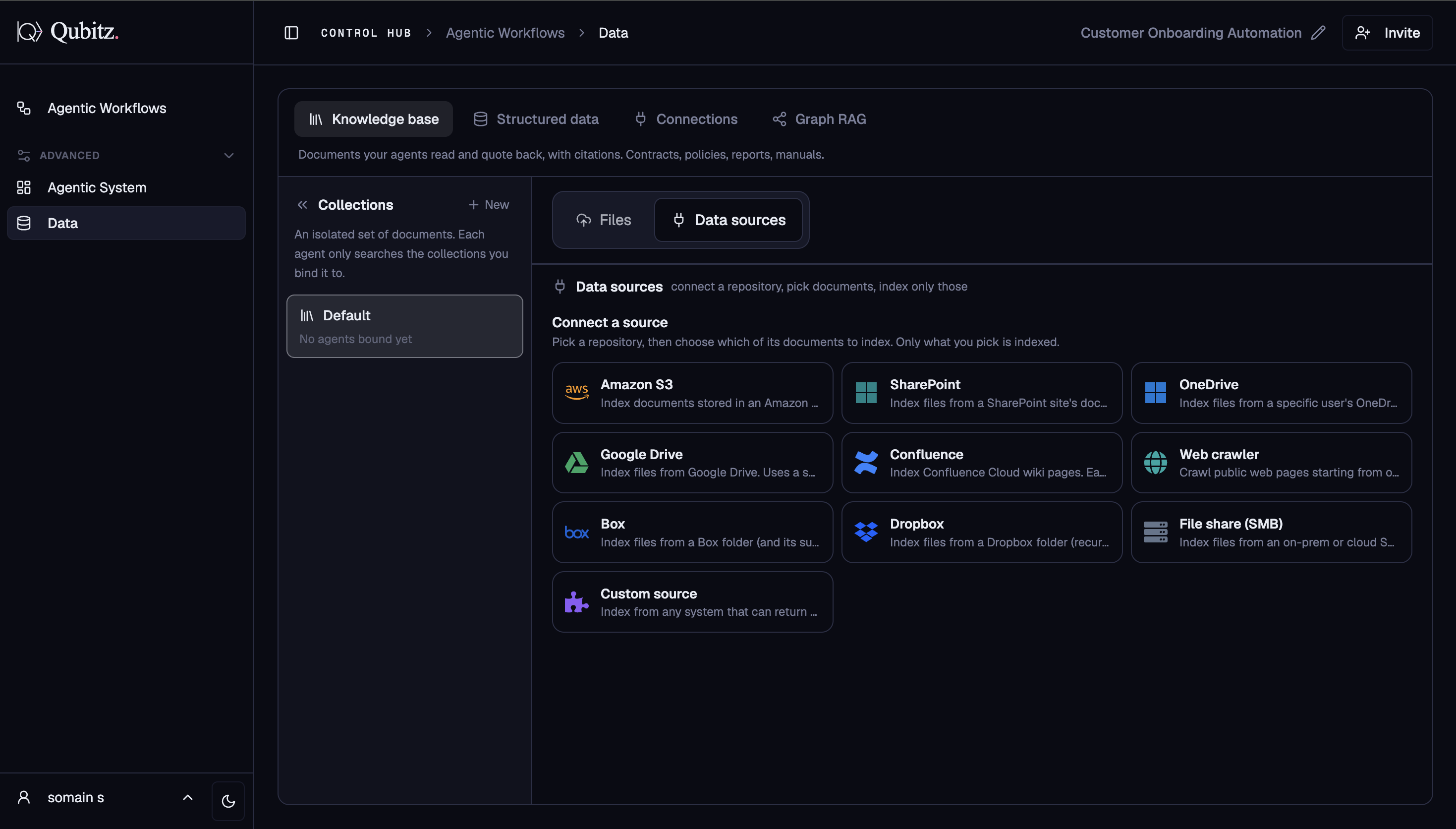
Supported formats: PDF, DOCX, PPTX, XLSX, XLS, CSV, TXT, Markdown, JSON
Documents are organised into named collections. Each collection is bound to specific agents - only the agents bound to a collection can query it. This lets you scope knowledge precisely: a compliance agent sees compliance documents, a research agent sees research sources.
- Create a new collection with + New
- Upload files directly or connect a data source
- Files show their ingestion status (processing → ready)
Structured Data
Connect tabular data sources your agents can count, filter, and total over for exact figures - not semantic retrieval, but precise computation.
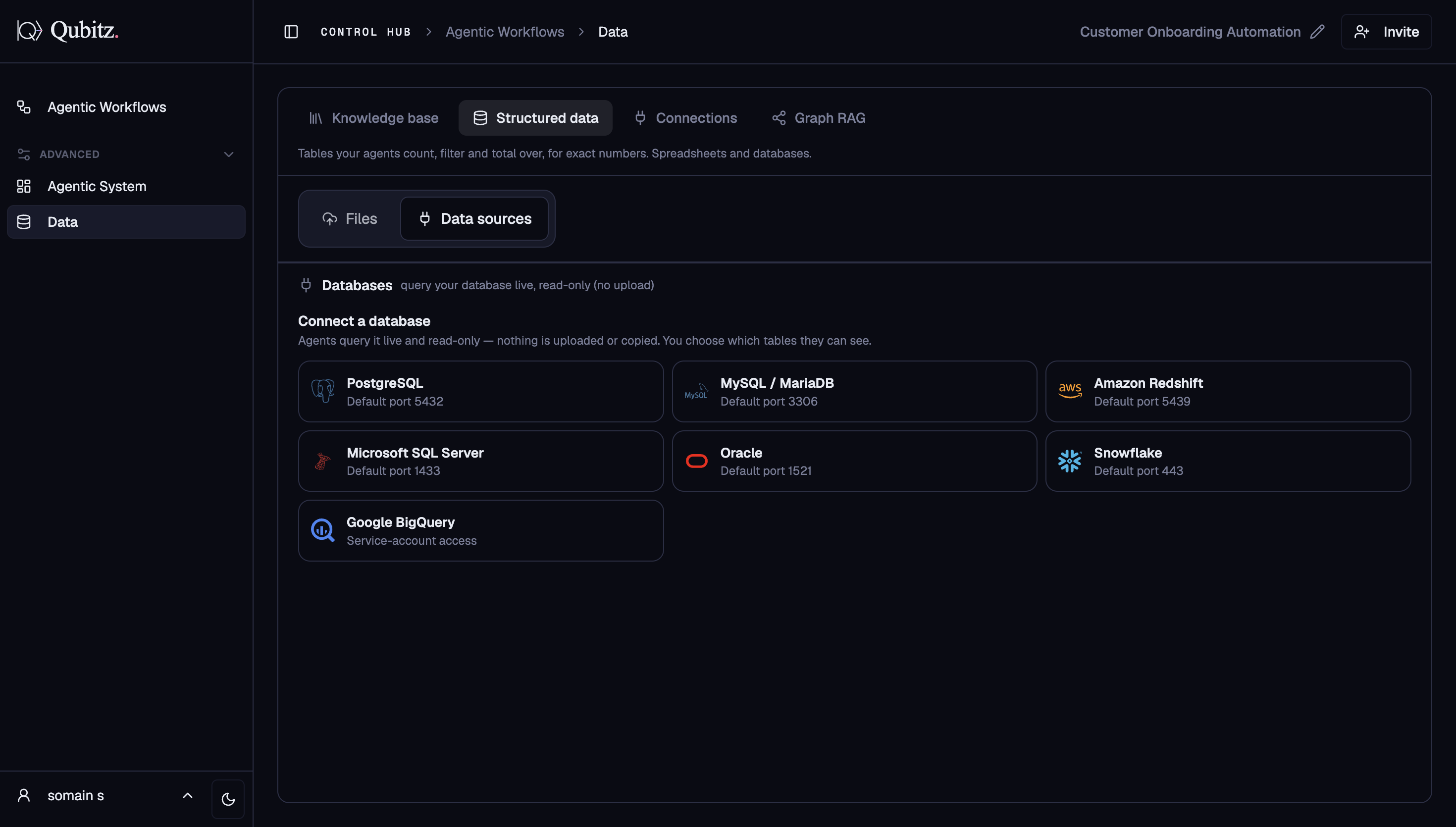
- Upload CSV files or connect a database
- Data is organised into collections, each bound to specific agents
- Agents query datasets in-engine at runtime - no external DB calls needed
- Each dataset shows row count, column count, file size, and whether it is currently in use
Connections
Link your agents to external integrations and live data sources.
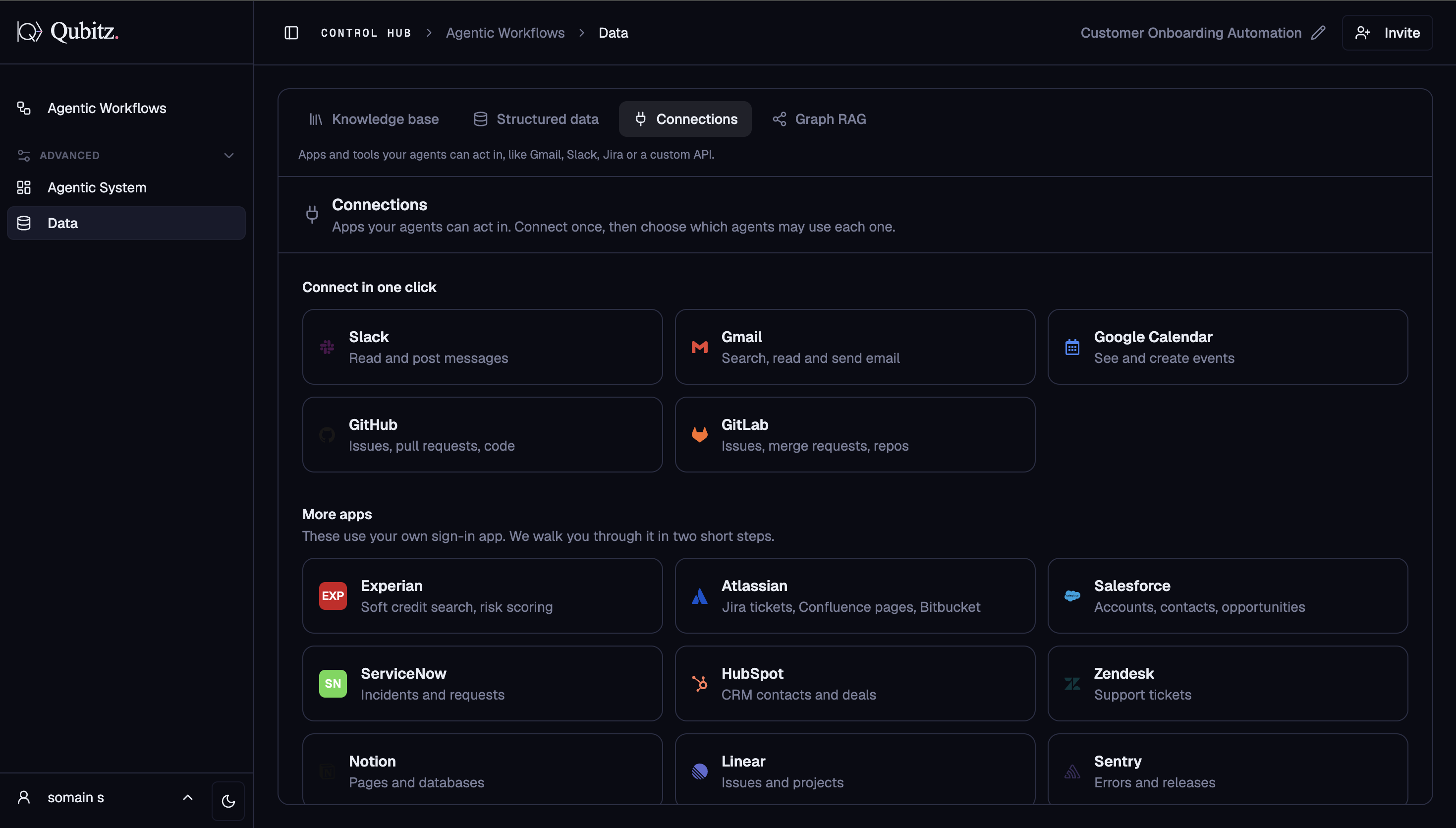
- Third-party APIs, CRMs, databases, and MCP servers
- Test a connection before binding it to agents
- See Tool Integrations for the full list of supported connectors
Graph RAG
Build a domain property knowledge graph from your documents using AI. Agents can query the graph at runtime for structured relationship lookups.
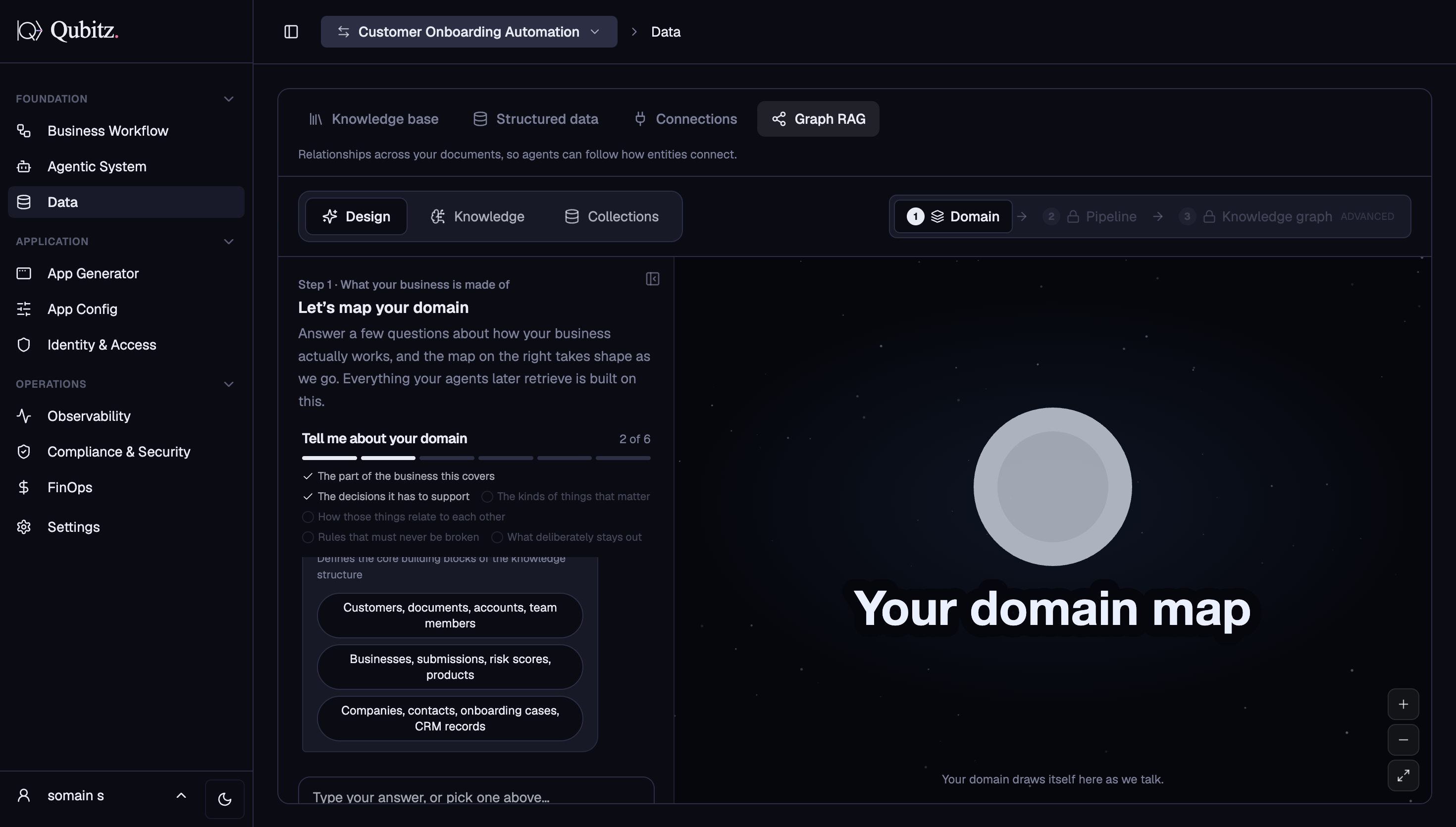
Graph RAG has its own dedicated docs page with a full walkthrough of building, editing, and querying your knowledge graph.
See GraphRAG for the complete guide.
What Good Looks Like
- Files have moved from processing to ready before anything is built on top of them
- Every collection is bound only to the agents that need it, so a collection's audience is a decision rather than a default
- Figures that must be exact - counts, totals, filters - come from Structured Data, not from documents in the Knowledge Base
- Each connection has been tested before it is bound to agents
- If the domain turns on how entities relate to each other, a graph exists in Graph RAG rather than leaving those relationships to document retrieval
Where This Leads
- GraphRAG - the full walkthrough for building, editing, and querying the knowledge graph from the documents you just uploaded
- Tool Integrations - the connector catalogue behind the Connections sub-tab, for the live systems your agents will act against
- Governance & Guardrails - decide who and what can reach this data before agents start querying it